7. Complete all sections for "Site Desc & Hazards."
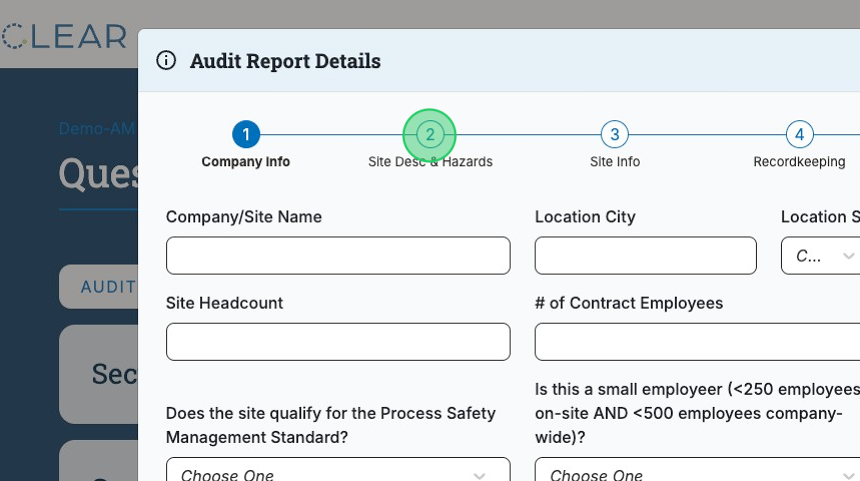
8. Complete all sections for "Site Info."

9. Complete all sections for "Recordkeeping."

10. Complete all sections for "Audit Info."

11. Complete all sections for "OSHA Info."

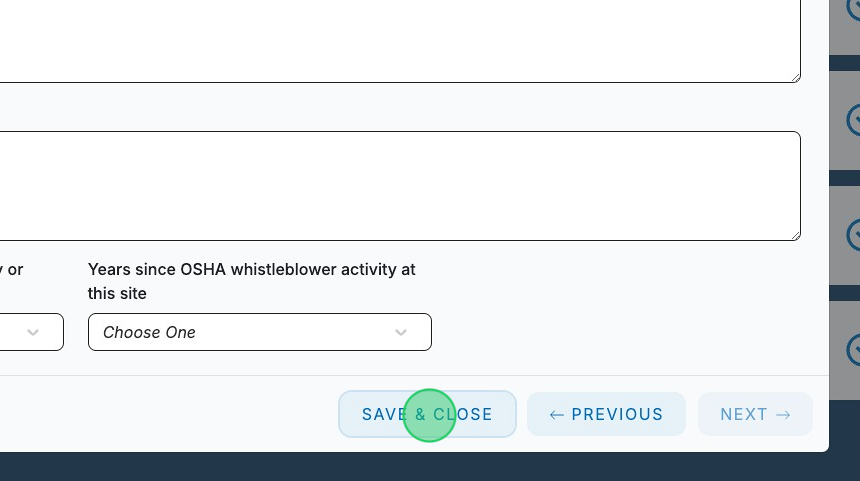
12. Click "SAVE & CLOSE."
13. Click on the section you would like to submit an answer for.

14. Click on a question to open it for completion.

15. Enter a response into the test field.


17. Click “Upload Documents” and select "Choose File(s) from Document Library" to attach a document already uploaded to the Document Library or select “Upload File(s) from Desktop” in order to upload a new document.
Note: Any documents submitted via “Upload File(s) from Desktop” will be automatically saved in the Document Library.

18. When you have completed a question, click this checkbox. Doing so will mark the question complete and add it to the “Ready for Audit” progress bar.

19. Click "NEXT" to progress through the following questions, repeating the above steps until all questions have been completed.


